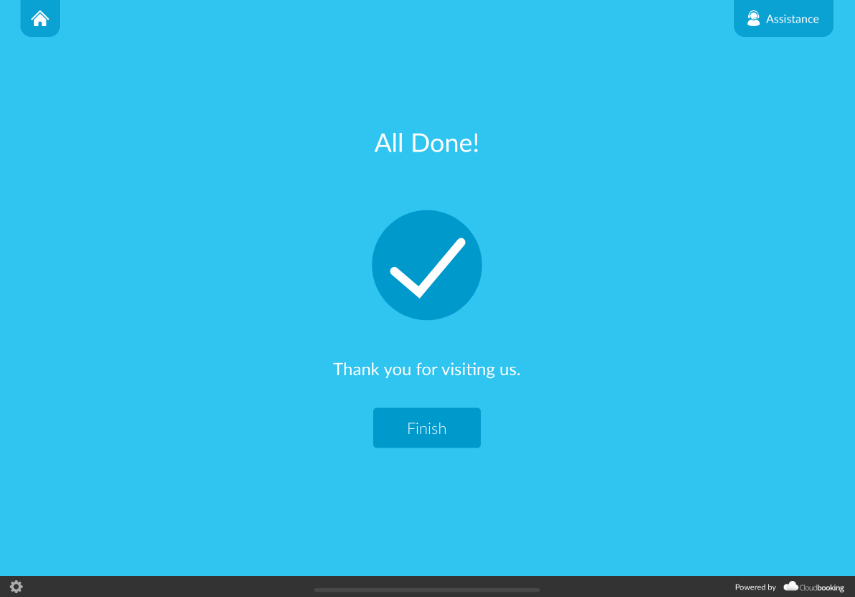
The Cloudbooking Check-In App is designed to make managing check-ins simple, efficient, and reliable.
Whether you’re recording visitors, tracking attendance, or managing user interactions, the platform brings everything together in one place.
Quick Content Links
Check-In for pre-booked visitors
Check-In for ad-hoc visitors
Check-Out process
If you need further assistance, please email hello@cloudbooking.com
🚶✅ Check-In for pre-booked visitors
Select Check-In on the main screen.

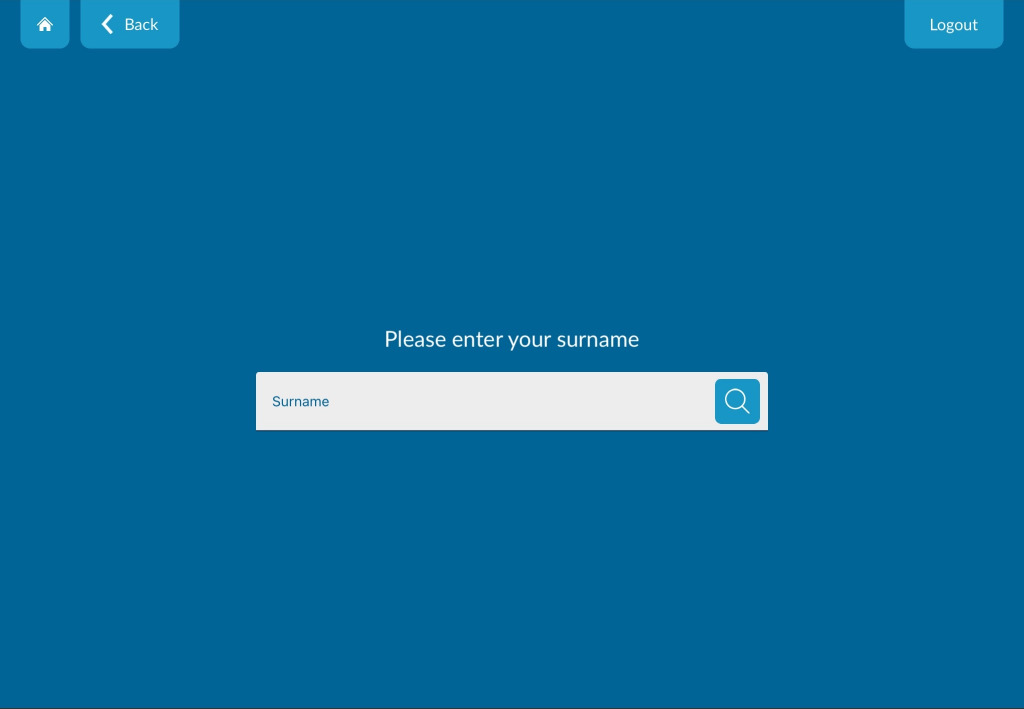
Enter your surname and select your name from the list.
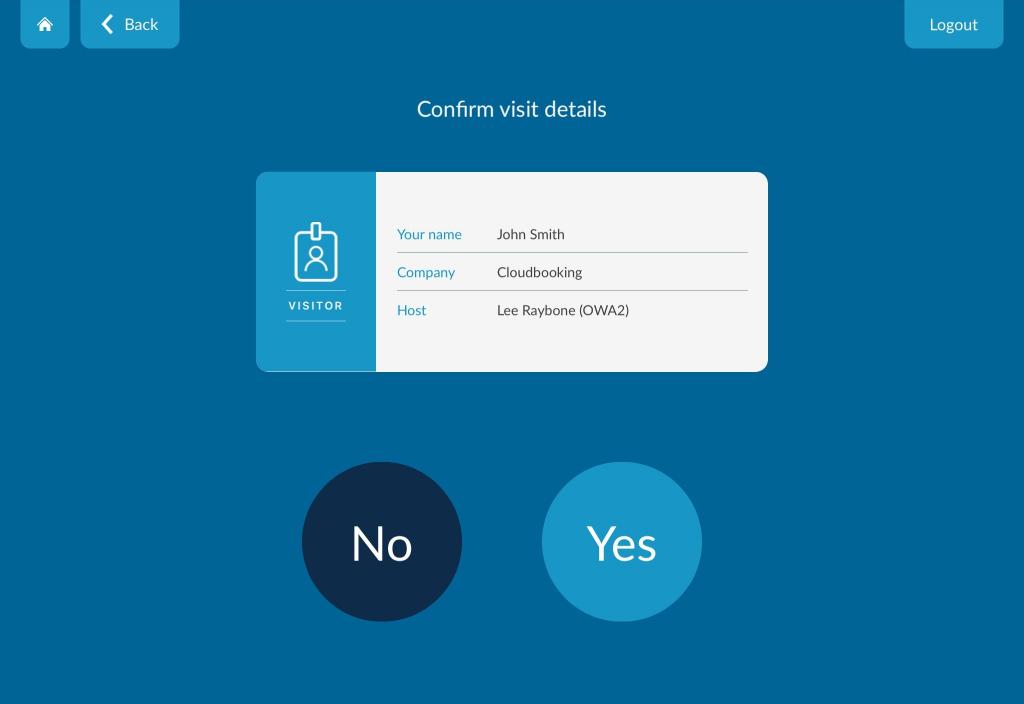
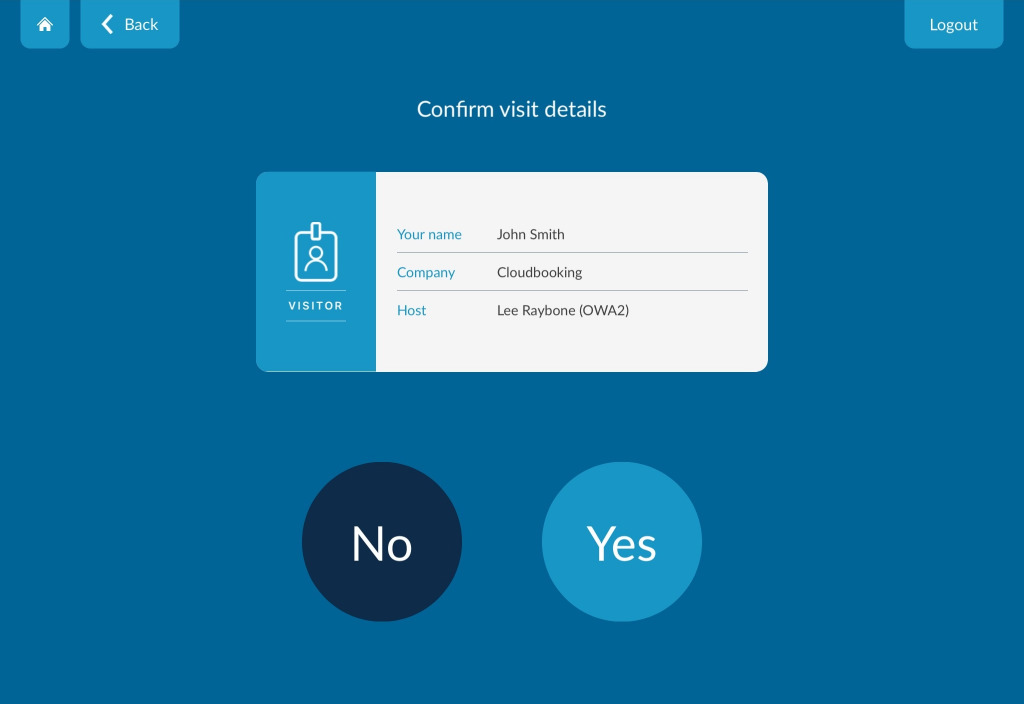
Review your meeting details (time, host, company) and confirm they are correct.
Read and accept any site procedures or complete required questions.
Sign when prompted and select OK.
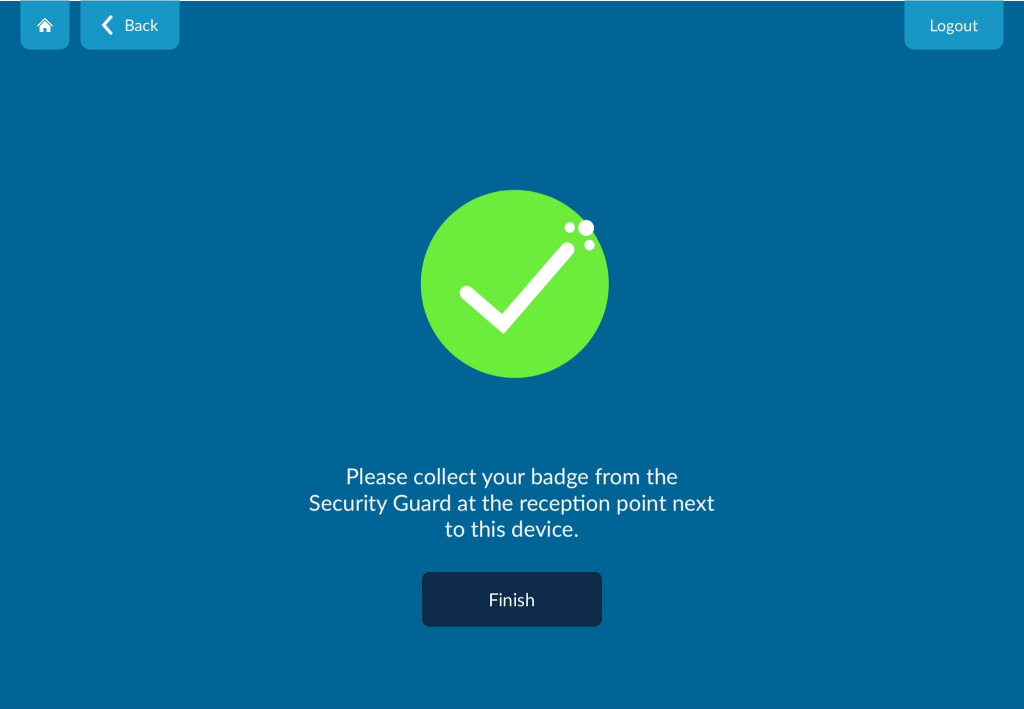
A confirmation message will appear and your visitor pass may be printed.
🚶➕ Check-In for ad-hoc visitors
Select Check-in.

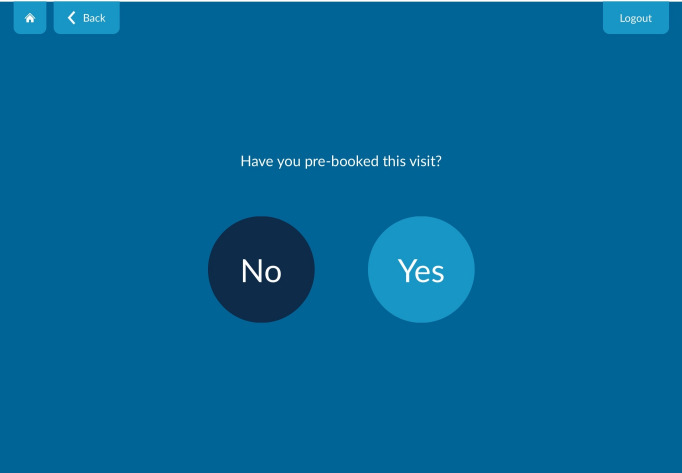
Select No when asked if your visit is pre-booked.
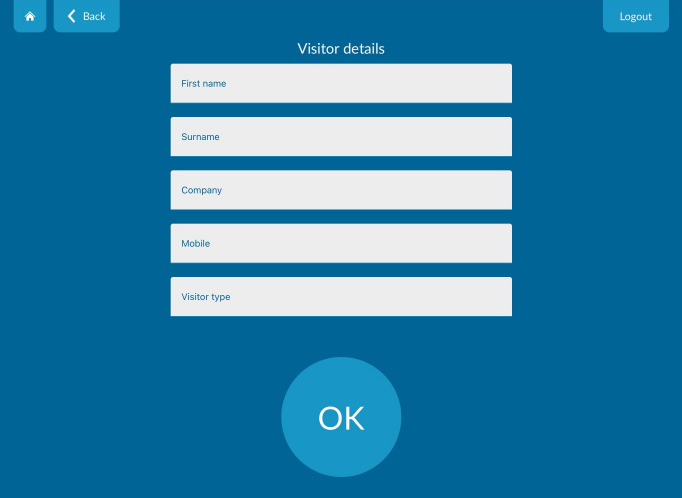
Enter your details (first name, surname, company)
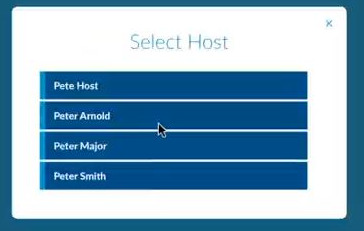
Search for and select your host.
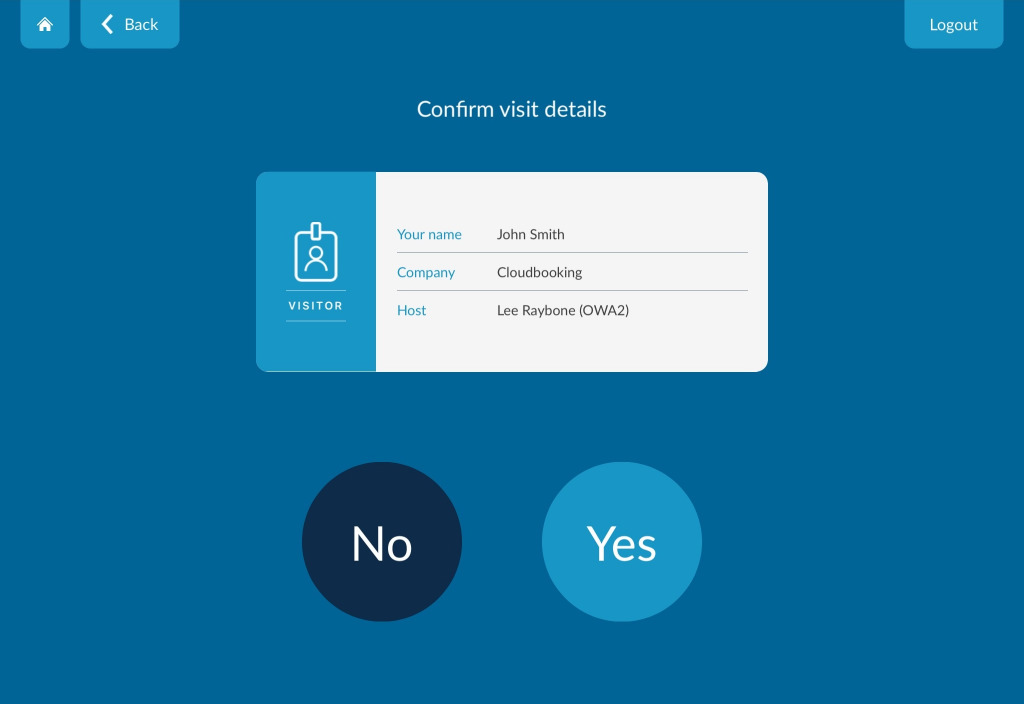
Review your details and confirm.
Complete any required:
- Safety information
- Questionnaires
- Signature
- Video Induction
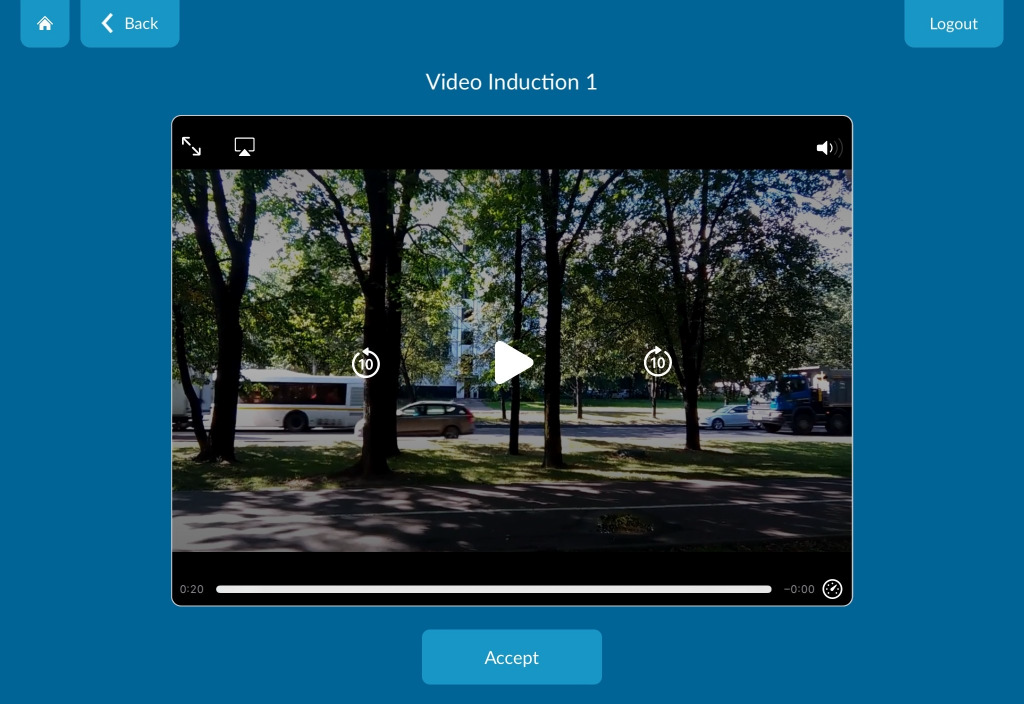
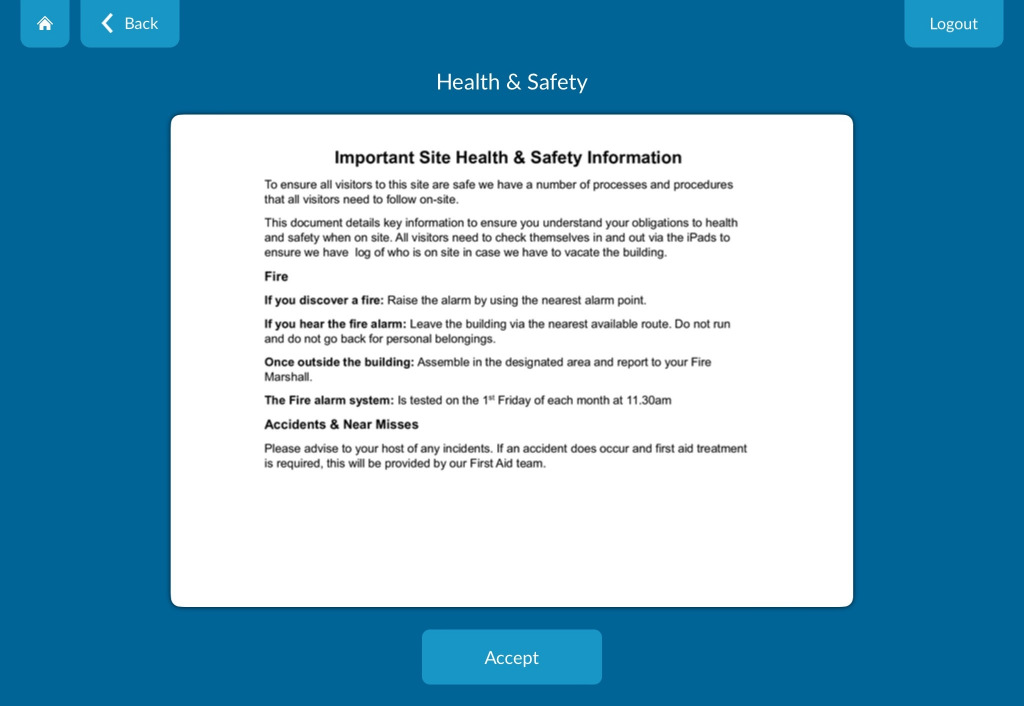
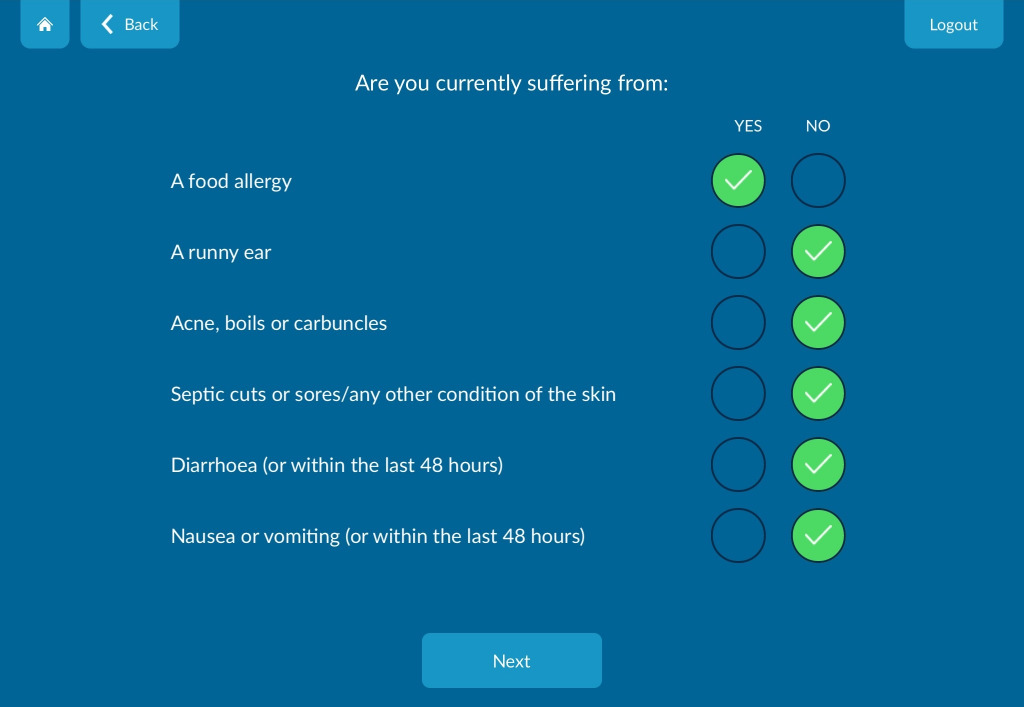
Follow the on-screen instructions to complete your check-in.
🚶♂️➡️ Check-Out process
Select Check Out on the main screen.
Enter your surname and select your record.
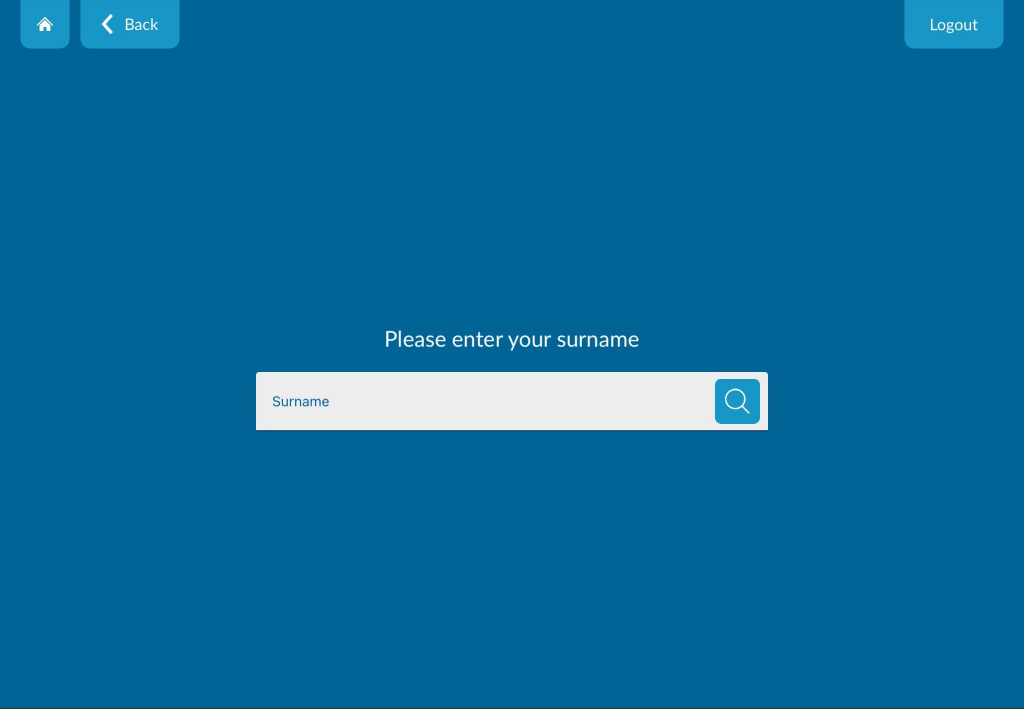
Confirm your details.
Complete any final questions if prompted.
A confirmation message will confirm you have checked out successfully.